03. Maintenance with Arcane
The maintenance of your applications by using Arcane is extremely simple. This is because it has updates and the pruning of data you don't use anymore build in. It is completely customizable to your wishes s.t you don't need to worry about updates and cleaning up your instance. Only if something brakes then you need to intervene but for that we luckily have Proxmox VM backups s.t you can always go back to a previous state before an update or crash.
Updates
1. Alright, so you can organize updates for your DockerVM with Arcane completely atomically by setting up so called Cron jobs via the GUI.
2. To do this open up your Arcane Dashboard > Settings > Automations
3. Here you will find
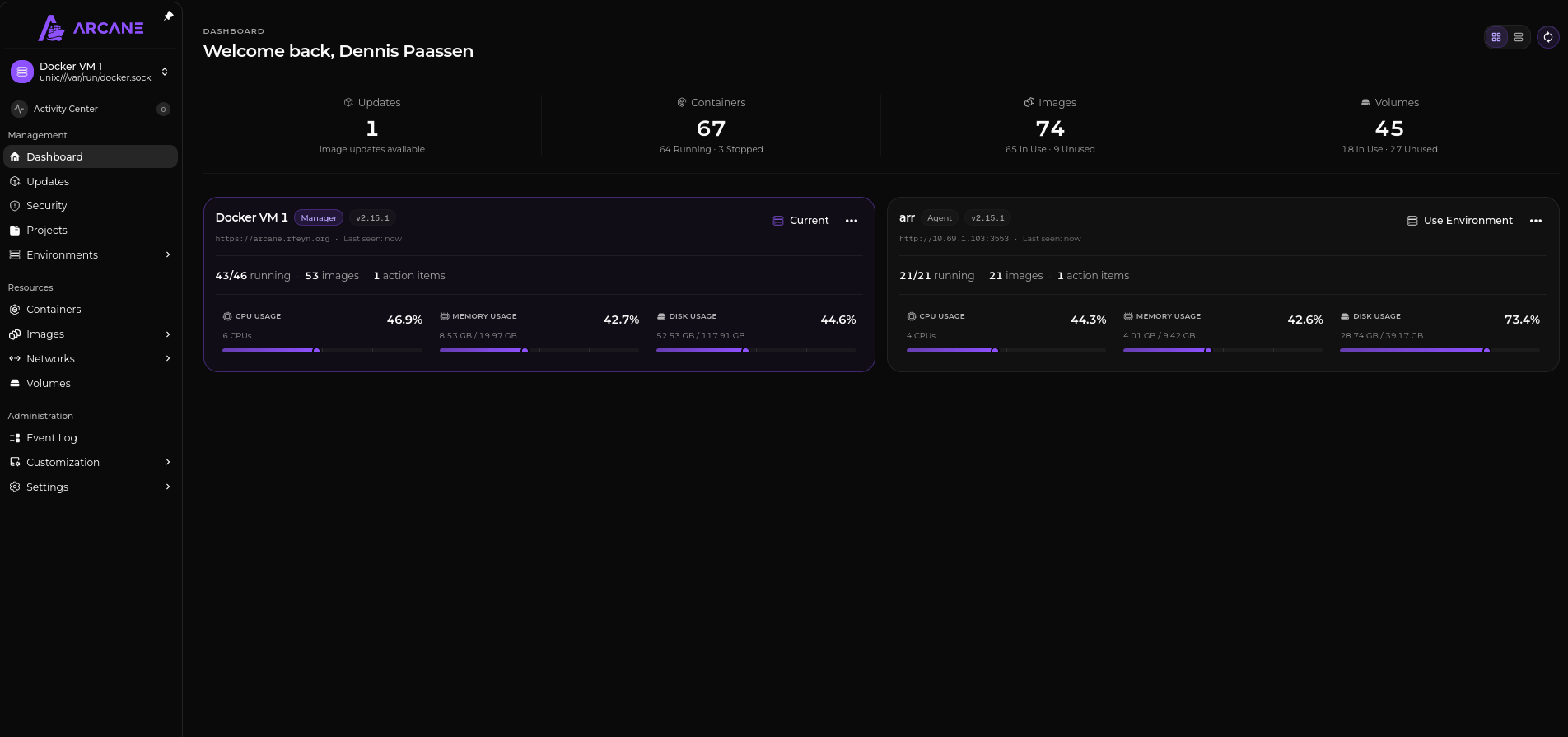
Now, on the Dashboard you will also find a great overview on
- The number of Updates that are available
- How many images you have an how many are unused. If you click on that number then you will directly move to the unused images that you can then also all manually delete in one go. That clears up nicely, if for instance a prune job did not happen yet or it simply was not removed ;)
- Also you can see a great overview of volumes and the volumes that are not used neither. Also here you can delete all the volumes that are not used to save space.