
Logs
OPNSense by default keeps logs of all the activity on your OPNSense box! Now, this is great until it is not so great when you realize that it has filled up all of your disk space on your router. By default OPNSense keeps logs for 31 days with no limit to storage space. If you have a large drive and then this won't matter but just to be sure I would always set a storage boundary depending on your disk size. To change the log retention settings go to
System > Settings > Logging
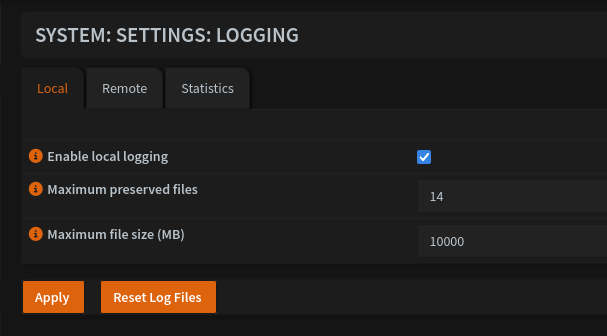
This is where you can then change the log size according to your wishes.
- Enable Logging
- Maximum Preserved Files: Stands for the number of days logs are kept
- Maximum File Size (MB): Stands for the maximum size the logs are allowed to contain. If that size is reached before the number of days then then the oldest logs will be deleted to stay underneath the maximum
filesizelog file size