
📄 Updating a Page
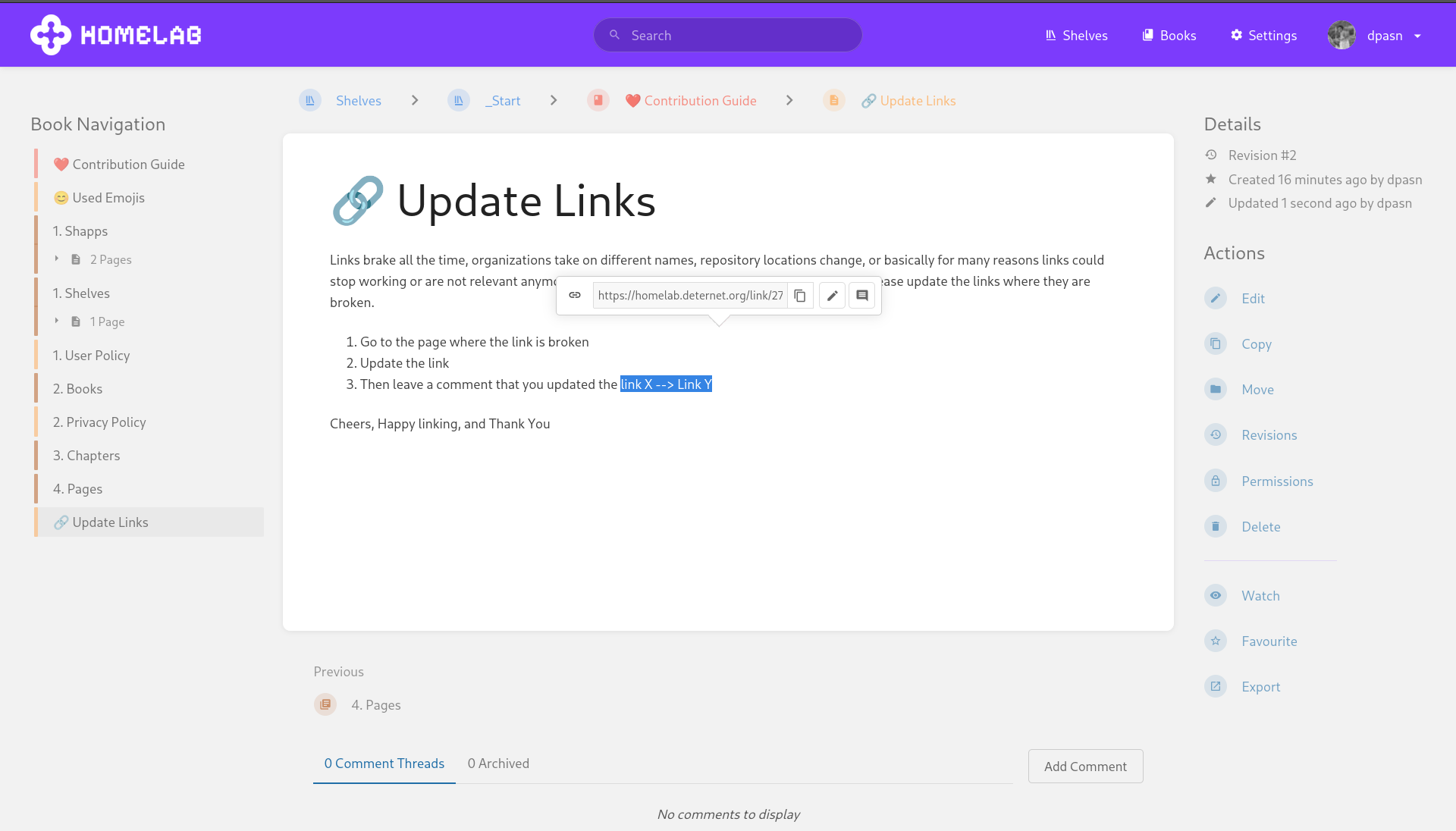
Links brake all the time, organizations take on different names, repository locations change, or basically for many reasons could stop working or are not relevant anymore. Therefore, if you encounter such a situation then please update the links where they are broken.
- Go to the page where the link is broken
- Update the link
- Then leave a comment that you updated the link X --> Link Y
Now, it might be the case that you are scrolling through the documentation and notice a mistake or notice that a piece is outdated. In that case recommend to
- Highlight the piece of a page that is incorrect and add a comment with an explanation to it. Instead of directly adding the piece you can also add it to review s.t the person creating it has time to adjust the writing as how they please or change it up al together.
- Then the moderators of these instances will see if it must be removed or not.
ChangeLog
Each time you do an Edit on a Page we require you to add a changelog message to the change you have done.This does not need to be a long message but just enough for moderators to quickly scan what has been changed. Also, you can view the changelog in the revisions section of each page as well. Finally, adding a ChangeLog allows for people to understand the context and reasoning why a change has been made.
For instance is a link is not resolving anymore one could update the link and add a changelog: Link to Repository is outdated, the repository is now hosted on Codeberg instead of Github.
That's it folks cheers and happy Editing ;)
No comments to display
No comments to display