Storage
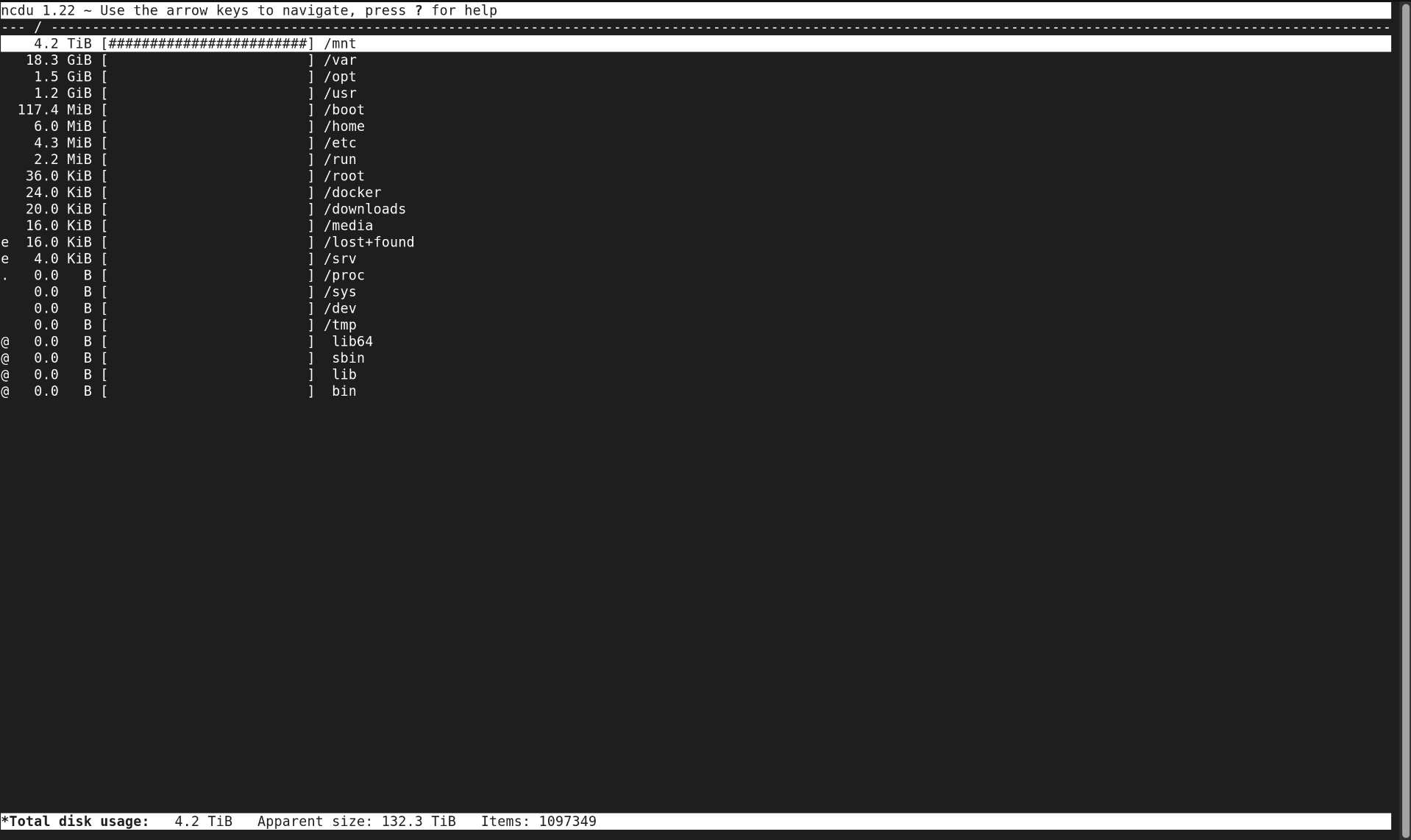
You might find yourself in the situation that your VM is completely full but you have no idea what is taking up your space. In such a scenario there is a handy cli tool called ncdu that people can use
We can install it with
sudo apt install ncduThen if you want to inspect a folder or the root folder you simply use the command
ncdu /path/to/directoryThis then will bring you into an interactive board on which you can go down the different folders and delete elements that you don't use anymore or are irrelevant. For instance using ncdu on the root / folder will give you something like this. You can then use the arrow keys to operate the ncdu interface