
2. Other Open Source Alternative Websites
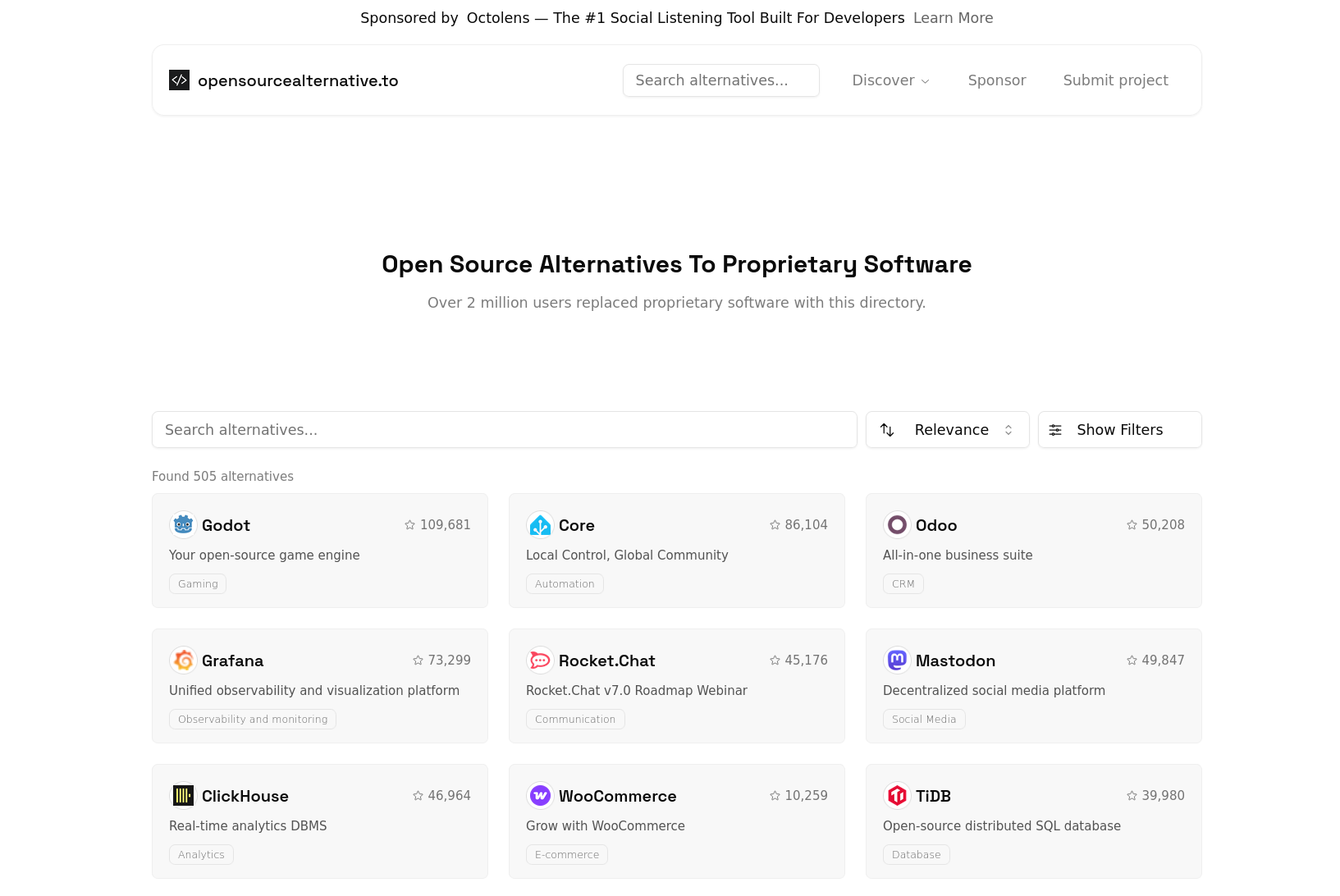
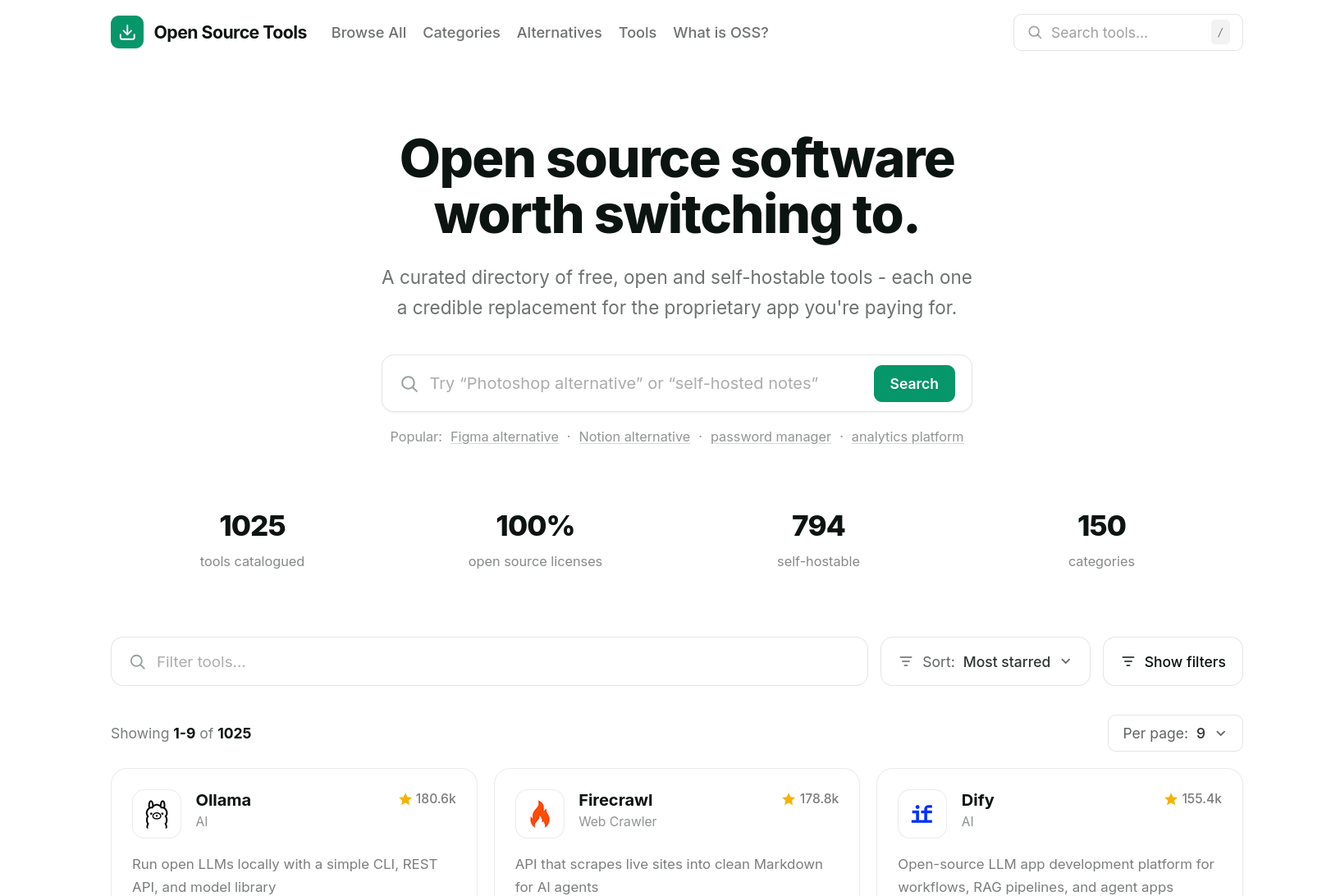
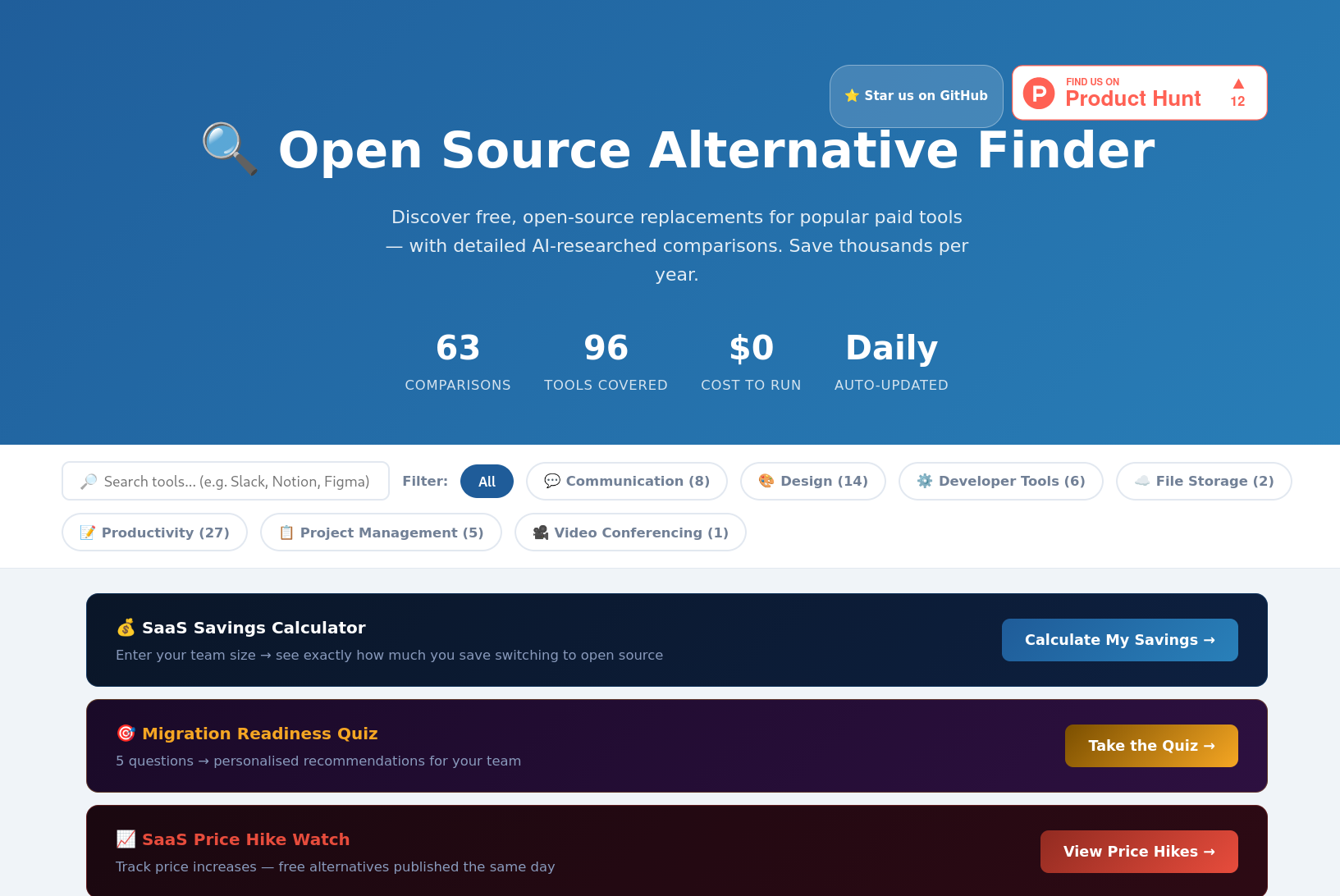
Now, this bookstack instance is definitely not the only project that promotes open source projects. There are tons of blogs of great instructors that have dedicated a large part of their time as well to make it as easy as possible to install open source software at home. Besides that there are also centralized websites that show alternatives to almost any application you can think about.
Now, most of the open source alternative list websites are pretty similar, since they are mostly based on the information provided by Github. If you click on an application then you will find
- A small summary of what the application entails
- Links to the repositories
- GitHub Links
- Some tags that refer to what the app can do
However, they do not provide documentation on the installation of these applications or hick ups people have during installation or use. Yes, most of this is discussed on the community pages or repository pages of these applications but we try to give people a central place where people can edit an instruction manual like a Wikipedia page. It is constantly changing and updating and everyone can contribute not only the main developers of an application.
OpenAlternative.co
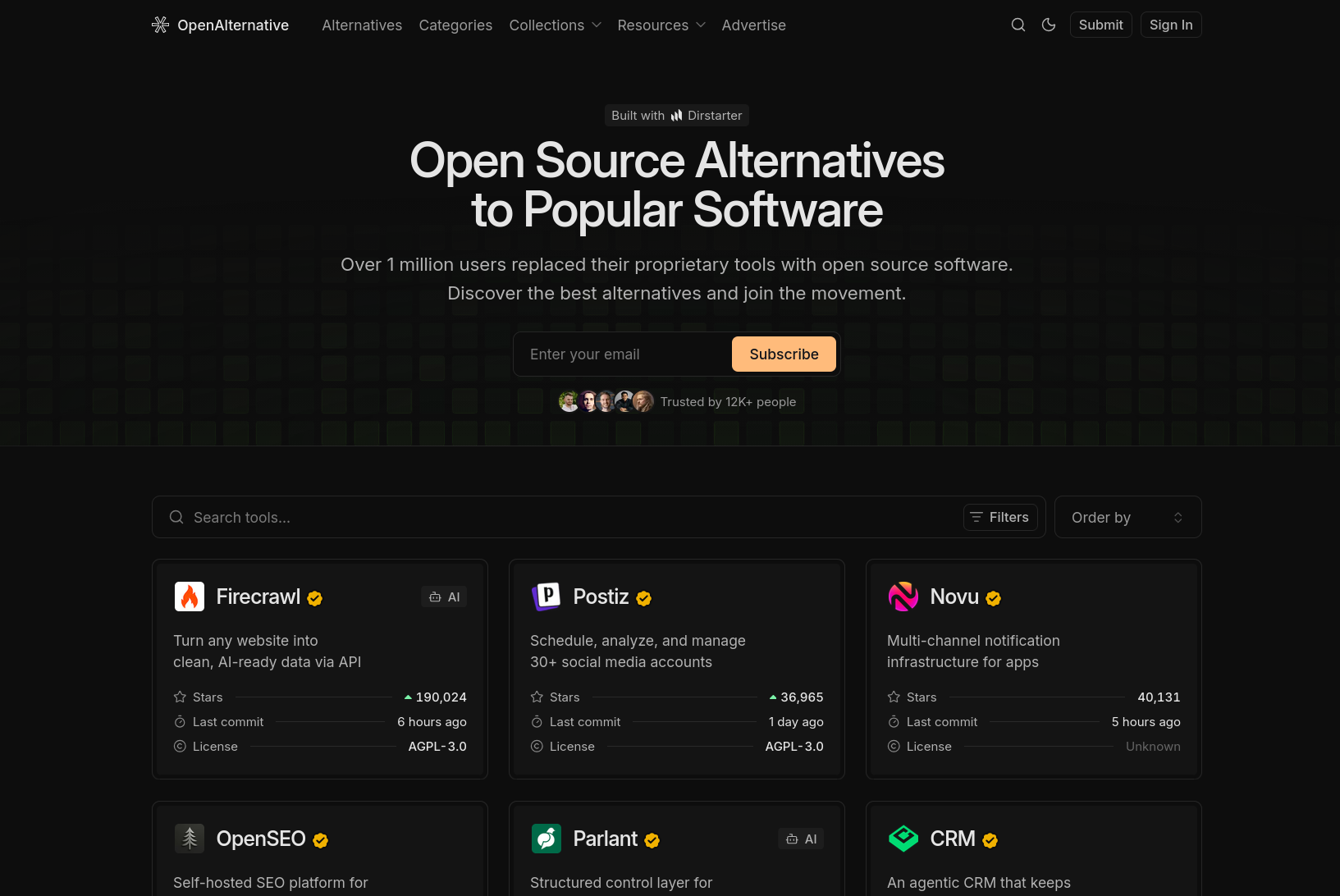
OpensourceAlternative.to
Opensourcetools.org
OSalfinder.com
Now as you will see in the Shapps shelf there are a ton of open source documentation software out there and please check them out. However, after trying out lots of different ones it seemed that they were either all made for
sThis Bookstack instance is not for developers or any person involved in computer science or AI. However, they are of course invited to contribute to the instance.
The goal is literally to show the layman the different open source applications that are out there and how they can deploy them on their own server at home in the simplest way possible.
How to use this Bookstack instance.
The end goal for any user of this instance should be to build and maintain your own home lab and learn the skill to install any open source application on top of it. This whole guide is written for people that have zero knowledge about tech but do want to host their own applications because they feel the urge to contribute to the broader mission. Again that mission is to create an inclusive collaborative instead of a competitive unequal society. The instance is created and maintained by all kinds of people that all have the goal to write installation instructions as simple as possible for the layman.
Now, what are the next steps then ? Well, most likely you heard about Deternet via a friend or through a blog or social media post and became curious to host applications yourself and relieve yourself from Big Tech. Of course we assume that you start with nothing and created a guide exactly for that.
If you really have no background then is important to use this guide in the right order. Therefore, we labeled different shelves with numbers. If you start with 1 and then work your way downwards then you will always have gained the knowledge or setup necessary to understand the contents of the next.
Therefore, we made a shelf for each Big Tech company including the applications they have produced. The idea is that people can search for their favorite proprietary app, find it, and then directly get a list of p